
In 12+ years of WordPress development, I have audited hundreds of sites. Business owners come to me saying the same things: “My site broke after I clicked Update,” or “My previous developer disappeared and now nothing works,” or simply “My site is slow and I don’t know why.”
When I open the code, I see the same mistakes. Every time. Shortcuts that look fine on the surface but are quietly destroying performance, security, and maintainability underneath.
These are not minor style preferences. They are structural problems that will eventually cost you money — lost sales from a slow site, recovery costs after a hack, or days of developer time to undo decisions that should never have been made in the first place.
Here are the 8 most common signs that your WordPress site was built by someone who does not know what they are doing — and what a professional does instead.
Sign 1: They Edited the Parent Theme Directly
This is the single most common mistake I find, and the most damaging. An amateur opens style.css or functions.php inside the parent theme folder (Astra, Divi, Hello Elementor, OceanWP) and starts making changes directly.
It feels harmless. The changes appear on the site. Everything looks fine — until the theme releases a security update. You click Update. WordPress overwrites the theme files with the clean version. Every custom line of code is gone. The site breaks.
This is not a theoretical risk. Theme updates happen every few weeks. Security patches can be pushed with no warning. I have seen clients lose months of custom CSS and PHP in a single update click.
❌ Amateur
Opens /wp-content/themes/astra/functions.php and pastes custom code directly into the parent theme.
✅ Professional
Creates a child theme at /wp-content/themes/astra-child/. All custom code goes there. Parent theme updates never touch it.
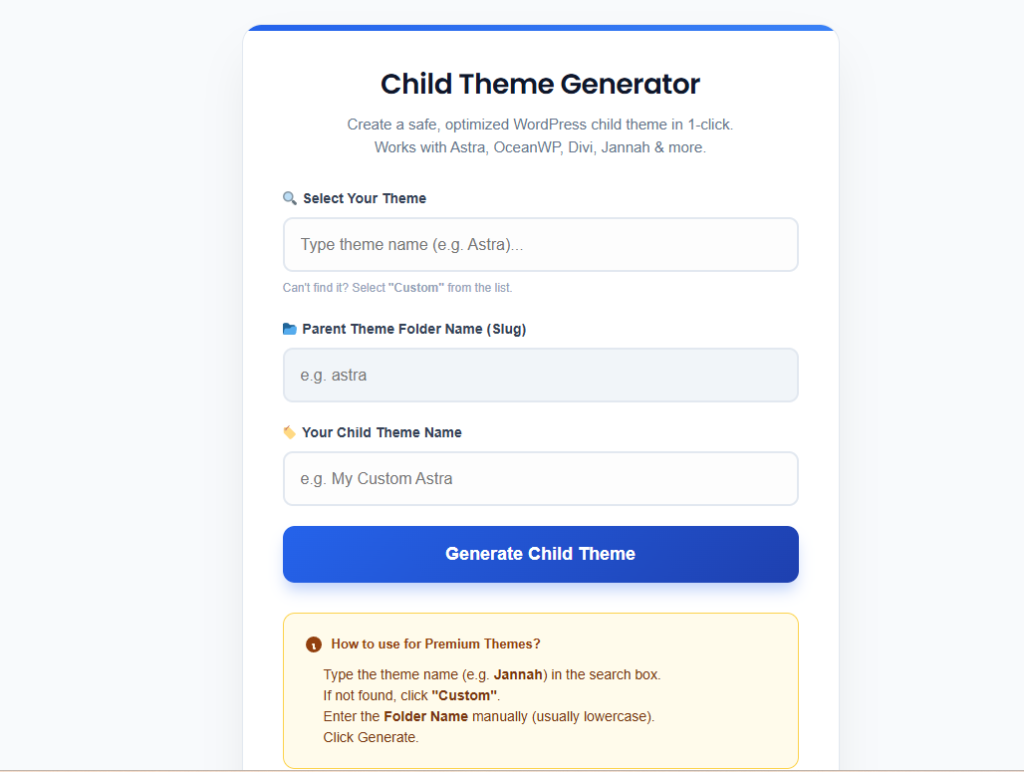
How to check: Go to Appearance → Theme File Editor. If the dropdown shows your active theme and the files contain custom code mixed in with the original theme code — that is the problem. How to fix it: Create a child theme (takes 5 minutes manually, or use the free generator), migrate your custom code into it, and activate the child theme.
Sign 2: There Are 30+ Plugins for Simple Tasks
Open Plugins → Installed Plugins. Count them. I have seen simple 5-page business websites running 47 plugins. Each one installed to do something a developer could have handled in 5 lines of code.
A plugin for Google Analytics. A separate plugin for the Facebook Pixel. Another plugin just to add a script to the header. One plugin to add a WhatsApp button. A plugin to redirect a single URL. A plugin to add a copyright year to the footer.
Every plugin you install is another potential security vulnerability, another source of JavaScript that slows page load, another thing that can conflict with a WooCommerce update and break your checkout. The average WordPress site takes a 20–30ms performance hit per active plugin. Forty plugins is 800–1,200ms of overhead before a single byte of your actual content loads.
The “functions.php test”
Before installing any plugin that adds a script, tracking code, redirect, or small UI element — ask: can this be done in functions.php? Facebook Pixel, Google Tag Manager, custom redirects, WhatsApp buttons, footer text, admin tweaks — all of these are 5–15 lines of PHP. A professional writes code. An amateur reaches for a plugin.
For example, this replaces an entire “Insert Headers and Footers” plugin:
// Add Google Analytics / GTM to head — no plugin needed
add_action( 'wp_head', 'musa_add_gtm_head' );
function musa_add_gtm_head() {
    ?>
    <!-- Google Tag Manager -->
    <script>(function(w,d,s,l,i){...})('GTM-XXXXXX');</script>
    <!-- End Google Tag Manager -->
    <?php
}
Reasonable plugin count for most sites: 10–15 well-chosen plugins. If you are above 25, audit each one. Check when it was last updated — any plugin not updated in 2+ years is an active security risk regardless of what it does.
Sign 3: The Username is “admin”
This one takes less than a minute to check and less than five minutes to fix, yet I still find it on roughly one in three sites I audit.
WordPress used to set the default admin username as admin during installation. Brute-force attack bots know this. They spend zero time guessing your username and dedicate 100% of their attempts to guessing your password. You have done half their job for them.
Common amateur usernames I find: admin, administrator, wordpress, the business name, the website domain name, or the owner’s first name. All of these are guessable. All of them appear in brute-force wordlists.
❌ Amateur
Username: admin
Password: Company2024!
Login URL: /wp-admin (default, publicly known)
✅ Professional
Username: random string like mdev_x7k2
Password: 20+ character random
Login URL: renamed to /dashboard-entry
How to fix: Go to Users → Add New. Create a new user with a non-obvious username and give it the Administrator role. Log out, log in as the new user, then go back to Users and delete the old admin account. Assign all its posts to the new account when prompted. Done.
Sign 4: No Updates Have Been Run in Months
WordPress, themes, and plugins release security patches continuously. When an amateur hands over a site and moves on, updates stop happening. Six months later, the site is running WordPress 6.2 with 15 plugins that all have known CVEs (publicly documented security vulnerabilities).
This is not abstract. The majority of WordPress hacks exploit known vulnerabilities in outdated plugins — vulnerabilities that were patched in an update the site owner never ran. The exploit code is publicly available. Automated bots scan millions of sites per day looking for specific version numbers.
Check your Dashboard → Updates page right now. If there are 10+ pending updates and the oldest ones are more than 60 days old, your site has been sitting exposed.
The professional approach: Updates are tested on a staging environment first, then applied to production. Core WordPress updates are applied within 48 hours of release. Plugin updates are batched weekly. Auto-updates are enabled for minor WordPress releases and security patches via wp-config.php:
// Auto-apply minor WordPress security releases (safe — these are patches only)
define( 'WP_AUTO_UPDATE_CORE', 'minor' );
Sign 5: The Site Has No Caching and Loads in 6+ Seconds
Every time someone visits a WordPress page, PHP executes, queries the database, builds the HTML, and sends it to the browser. Without caching, this happens for every visitor on every page load. On shared hosting, that process takes 1–4 seconds. On a site with WooCommerce and 20 plugins, it can take 8–12 seconds.
Caching stores a pre-built HTML version of each page and serves it directly, bypassing PHP and database queries entirely. A cached page loads in 100–300ms. The difference is not subtle — it is the difference between a site that ranks and converts and one that doesn’t.
How to check: Open your site in an incognito window and open browser developer tools (F12 → Network tab). Reload the page and look at the Time column for the first HTML request (the document). Anything above 800ms as a Time to First Byte means there is no effective caching in place.
The professional approach: Install a caching plugin (WP Rocket, LiteSpeed Cache if your host supports it, or W3 Total Cache configured correctly), enable a CDN for static assets, and compress images before upload. A properly configured WordPress site should achieve a Time to First Byte under 200ms. See the full guide: How to Get Your WordPress Site Under 2 Seconds.
Sign 6: Content is Hard-Coded into Template Files
This is the sign that makes clients most frustrated. They come to me saying: “I can’t change my phone number on the website — it’s not in any page.” Or: “My address is wrong everywhere but I can’t find where to edit it.”
An amateur developer, under time pressure, wrote the phone number, address, email, or business hours directly into a PHP template file — header.php, footer.php, or a custom template. It works visually. But the client has no way to change it without editing code.
This is a fundamental failure of the developer’s job. A website’s content should be editable by the person who owns it. A developer who hard-codes content is not saving time — they are creating a permanent dependency that keeps the client coming back and paying for changes that should take 30 seconds.
❌ Amateur — hard-coded in header.php
<p>Call us: +1 555 123 4567</p>
✅ Professional — dynamic from Theme Customizer
<p>Call us: <?php echo get_theme_mod('phone_number'); ?></p>
How to find it: Search the site’s theme files for your business phone number, email address, or street address. If they appear inside .php files rather than being pulled from the WordPress database, they are hard-coded. The fix requires a developer to properly register Customizer settings, use ACF fields, or move the content into editable WordPress options.
Sign 7: Basic SEO Fundamentals Are Ignored
The site has no meta descriptions. The homepage title tag is still “Just Another WordPress Site.” Images have no alt text and are uploaded at 4MB each. There is no XML sitemap. The robots.txt file is blocking search engines (this happens more often than you’d think — a developer testing the site flips the “Discourage search engines” checkbox in Settings → Reading and forgets to uncheck it before launch).
None of these require an SEO specialist. They are the minimum configuration a professional checks before handing a site to a client.
The five-minute SEO baseline every WordPress site needs at launch:
- Install RankMath or Yoast SEO and set a homepage title and meta description
- Go to Settings → Reading and confirm “Discourage search engines” is unchecked
- Submit an XML sitemap to Google Search Console
- Compress all images before upload — use Squoosh or ShortPixel, target under 150KB per image
- Set descriptive alt text on every image
If your site launched without any of these, the developer did not complete the job.
Sign 8: There Is No Staging Environment or Backup System
An amateur makes changes directly on the live production site. They test new plugins, update themes, edit code, and run experiments — all in front of real visitors. When something goes wrong (and it does), the site goes down for everyone.
A professional never touches production without testing on a staging environment first. Staging is an identical copy of the site on a private URL where changes can be verified before being pushed live. Most managed WordPress hosts (Kinsta, WP Engine, SiteGround) provide one-click staging. On shared hosting, plugins like WP Staging create it in minutes.
Equally important: automated daily backups stored off-server. Not in the same hosting account — that entire account could be compromised or suspended. Backups should go to Google Drive, Amazon S3, or Dropbox via a plugin like UpdraftPlus or BlogVault. If your previous developer did not set this up, you have been running without a safety net.
How to check right now: Go to your hosting control panel and look for a backup section. If the most recent backup is more than 7 days old — or if you cannot find any backups — this is urgent. Set up automated daily backups before doing anything else.
The Full Checklist
| Sign | Risk Level | Fix Time |
|---|---|---|
| Parent theme edited directly | 🔴 Critical | 1–2 hours |
| 30+ plugins installed | 🟡 High | Half day audit |
| Username is “admin” | 🔴 Critical | 5 minutes |
| No updates run in months | 🔴 Critical | 1–2 hours |
| No caching, slow load times | 🟡 High | 2–4 hours |
| Content hard-coded in PHP files | 🟡 High | Varies |
| Basic SEO not configured | 🟠 Medium | 30 minutes |
| No staging or backup system | 🔴 Critical | 1 hour setup |
Found these problems on your site?
Get a Professional WordPress Audit & Fix
I will audit your WordPress site, identify every one of these issues, and fix them properly — child theme migration, plugin audit, security hardening, performance setup, backup configuration. Starting at $10 on Fiverr.
Fix the Issues You Found
- How to Create a WordPress Child Theme Without Plugins — fixes Sign 1
- Free WordPress Child Theme Generator — 10-second fix for Sign 1
- How to Get Your WordPress Site Under 2 Seconds — fixes Sign 5
- WordPress Speed Optimization: Top 10 Plugins That Actually Work — fixes Sign 5
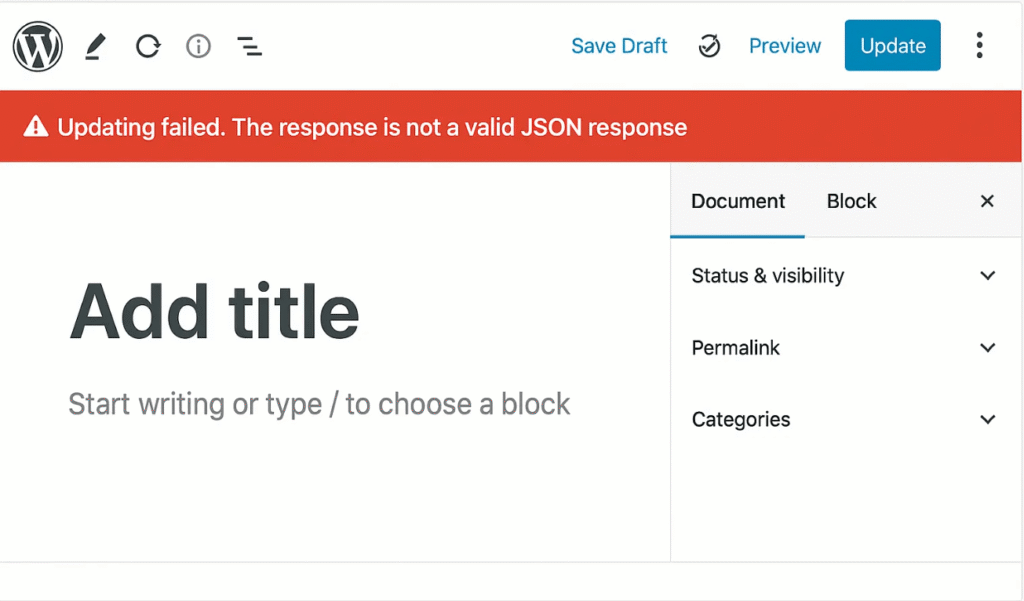
- Fix “Updating Failed. Not a Valid JSON Response” — common error after finally running those pending updates
Comments are closed.